Pato Puto
A fun duck AI agent that walks across your screen and curses everything you do.
·4 min read·patoputo.com·Source
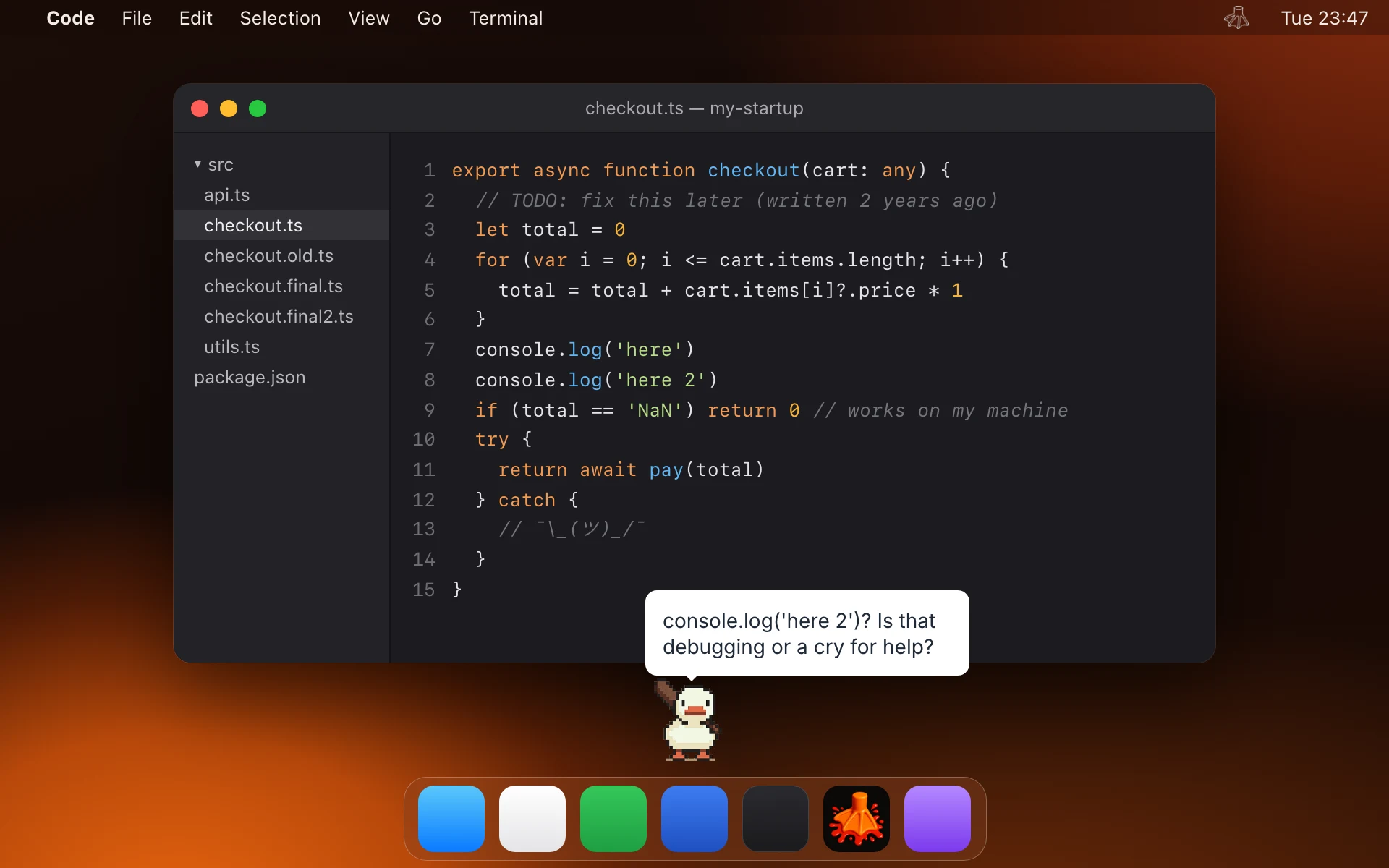
Pato Puto ("the angry duck" in Brazilian Portuguese) is a little pixel duck that lives at the bottom of your screen. It walks back and forth, looks at what you are doing and insults you for it.
It started as a weekend hackathon project with my friend Anderson, and I kept working on it afterwards until it became a real product: a desktop app for Mac, Windows and Linux, a backend, a credit system with payments and a landing page.
It is the most useless thing I have ever built, and probably the most fun.
Project Purpose and Goal
The goal was simple: make people laugh. Everyone has a desktop pet from the 2000s in their memory, so I wanted one with an attitude, that actually understands what is on your screen and makes fun of it.
Behind the joke, I wanted to learn things I had never done before: building a desktop app with Electron, working with vision models, giving an AI agent some memory, and shipping and distributing a native app to real users.
Key Features
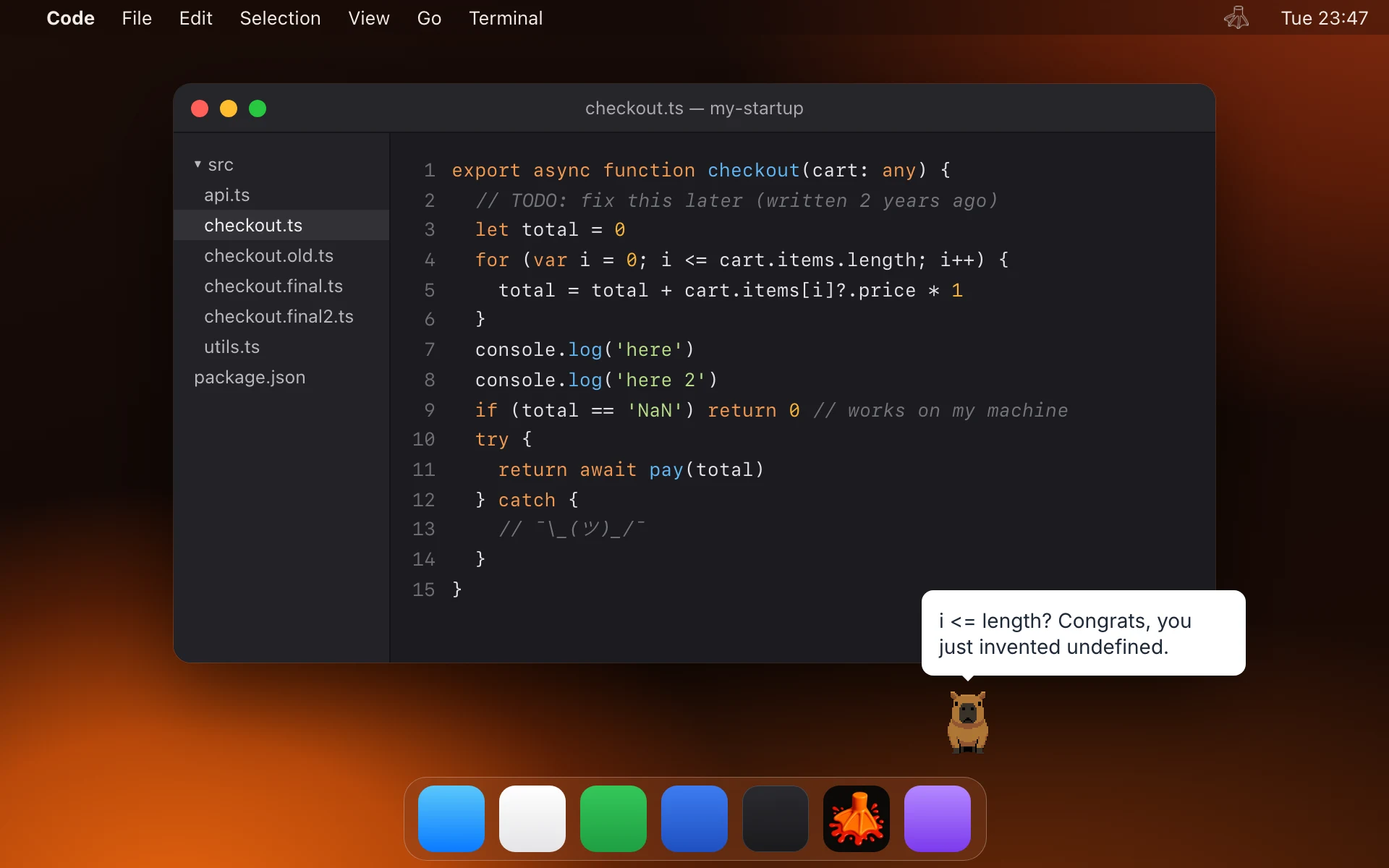
A transparent, click-through overlay where the duck walks across the screen, stops, and shows a speech bubble without getting in the way of your work.
Screen understanding: every few seconds the app takes a screenshot, a vision model describes what you are doing, and a second model writes a short, sarcastic comment about it.
Short and long-term memory, so the duck can bring back things you did before and make the roast feel personal.
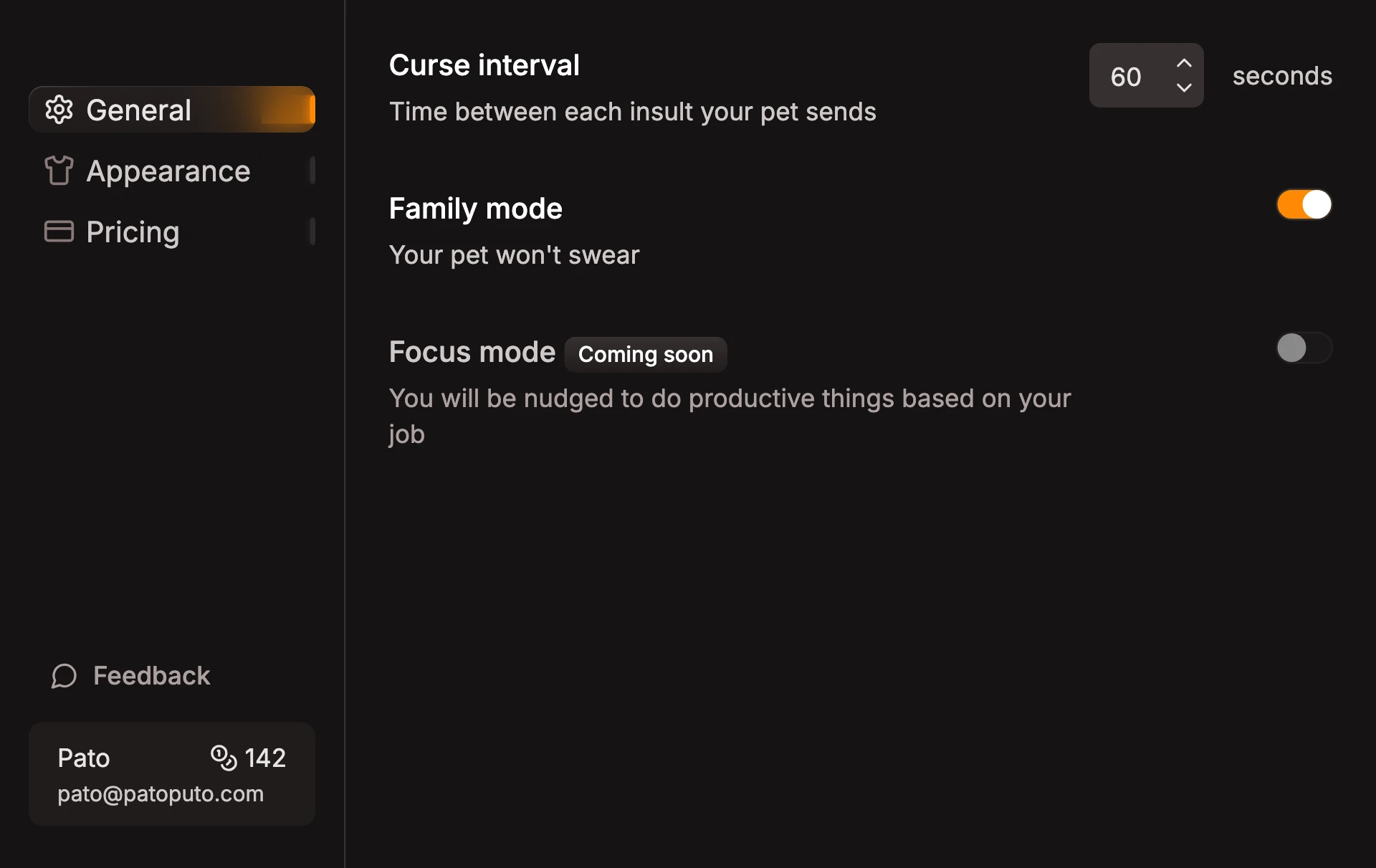
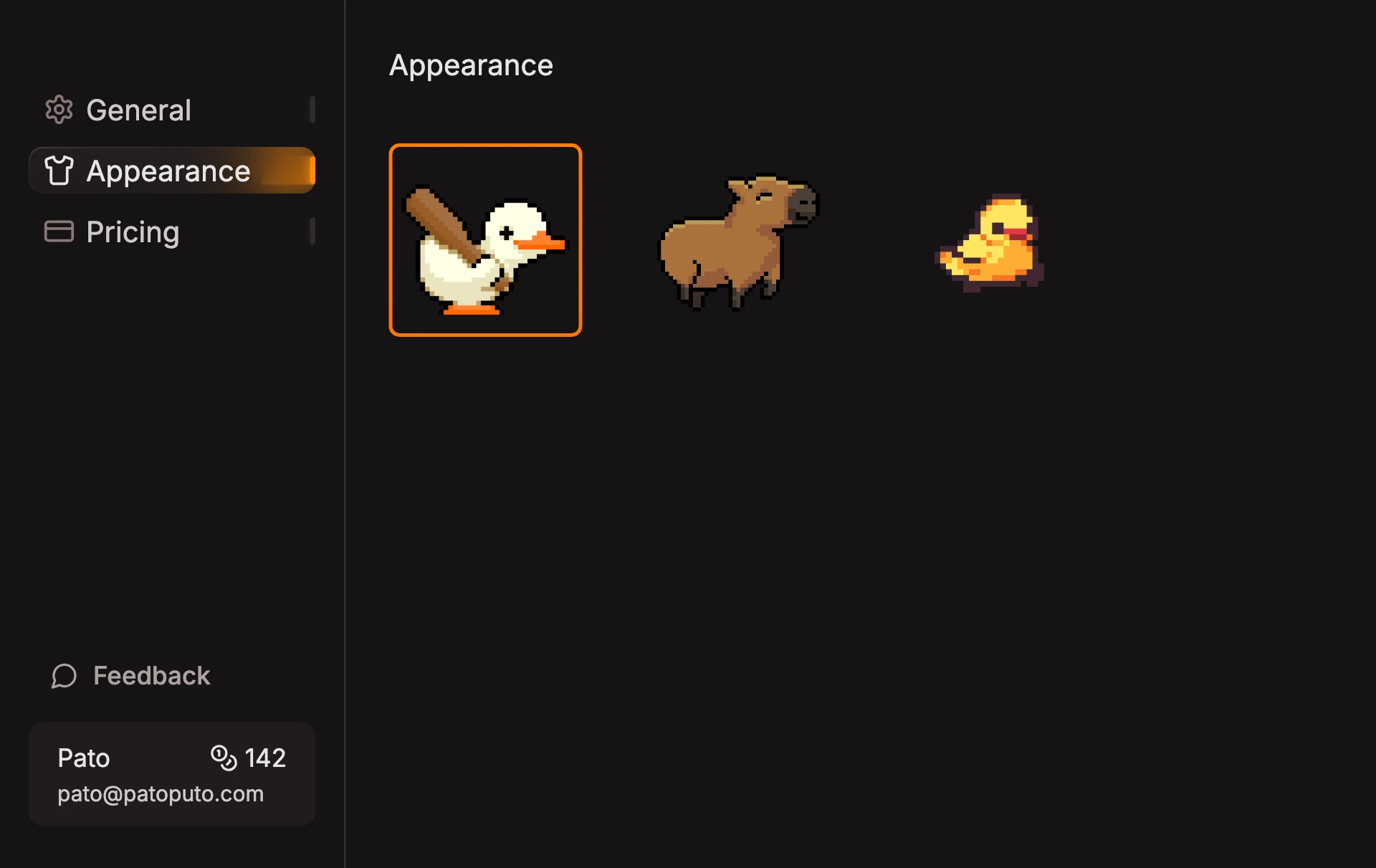
A settings window living in the menu bar tray:
- Cursing interval
- Family mode, for a duck that doesn't swear
- Different pets (the duck, a capybara and a cute duck)
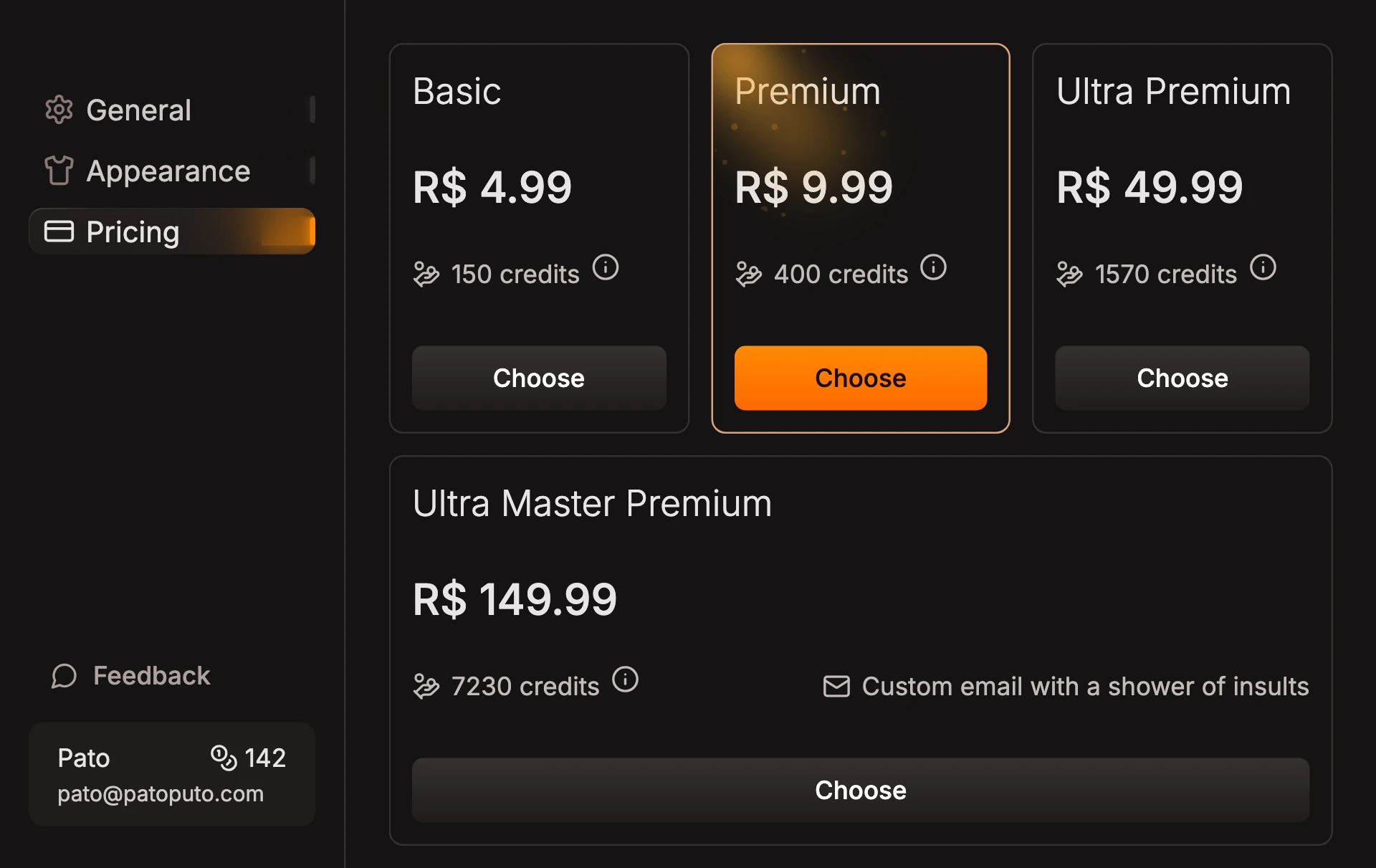
A credit system with plans paid via Pix, email code login, and a feedback form (so users can curse the developer back).
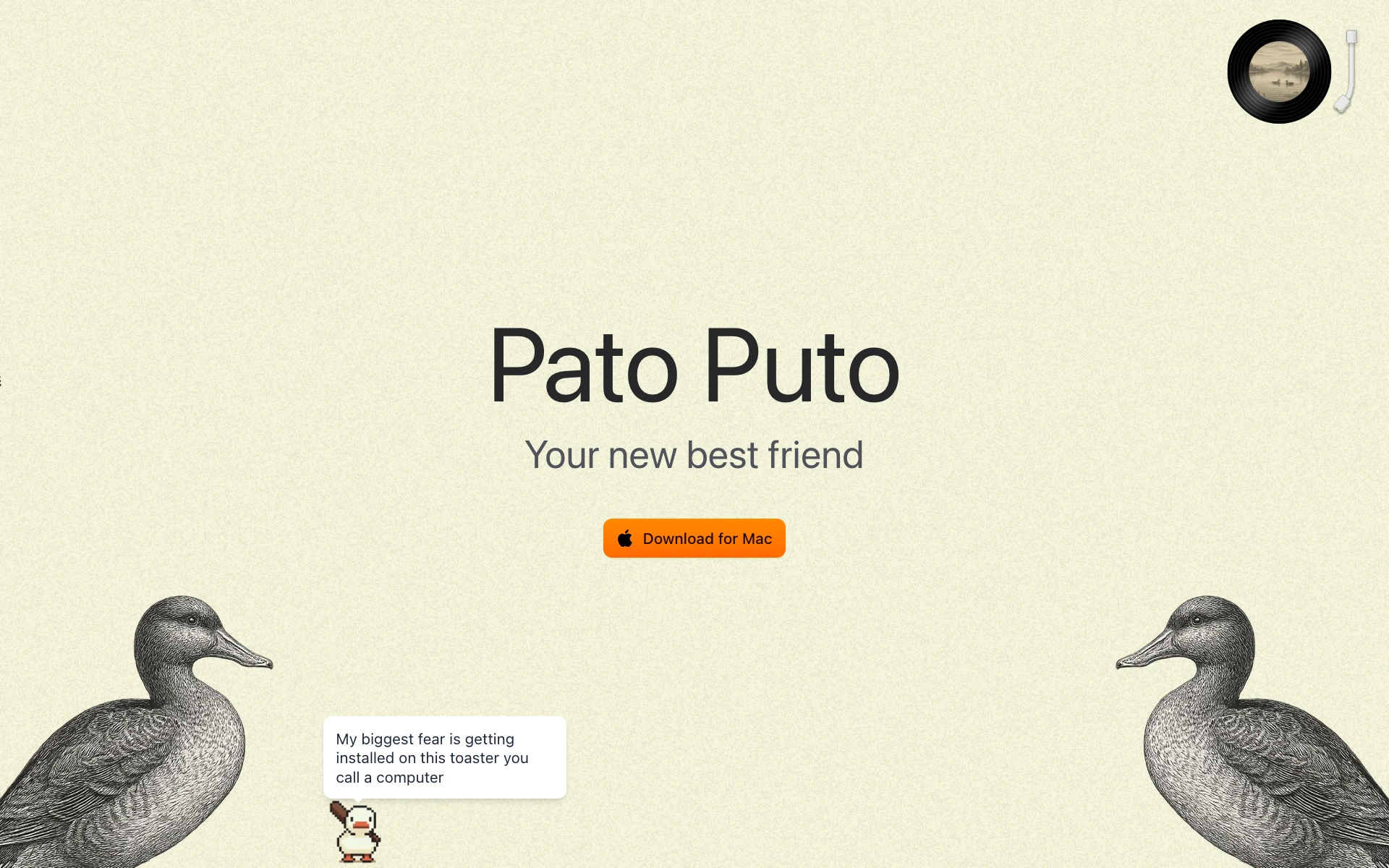
A landing page where the duck also walks around and insults you, with auto-detected download buttons for each OS.
Problems and Thought Process
The first problem was making the duck live on top of everything. The main window is a frameless, transparent window with the size of the screen, always on top, hidden from the taskbar and ignoring mouse events, so you can keep clicking on whatever is below it. Each OS behaves differently here, so the window type changes per platform.
The duck itself is just a sprite (a GIF for walking and a PNG for standing) moved with requestAnimationFrame and a motion value, so the position updates without re-rendering React on every frame. The speech bubble also flips sides when the duck gets close to the edge of the screen.
The AI part was about cost and latency. Sending a full screenshot to a big model every minute is expensive, so I split it into steps: a cheap model (GPT-4.1 nano) transcribes the screenshot, and GPT-4.1 only receives the text description plus the memories, with a tiny token limit to generate the line. The memory generation runs in parallel with the curse, so the user doesn't wait for it.
For the memory, each description becomes a short-term memory. When there are 10 of them, they get summarized into one long-term memory, and only the last few long-term memories are kept. It is cheap, and it's enough for the duck to connect what you are doing now with what you did before.
In the hackathon version, the AI calls ran directly inside the app. To turn it into a product, I moved everything to a Fastify API with MongoDB, replaced Clerk with my own email code authentication, and added credits that are charged before each curse and refunded if any step fails.
Distribution was the most annoying part. The builds for the three platforms run on GitHub Actions on every tag, and since the Mac app is not notarized, I had to add a dialog on the landing page explaining how to open it.
Lessons Learned
This project reminded me that side projects don't need to be serious to be worth building. A dumb idea that makes people laugh is easy to explain in two seconds, and it pushed me into technologies I would never have touched otherwise.
I learned a lot about the desktop world: transparent windows, tray menus, IPC between processes, screen capture permissions, and how painful it is to sign and distribute an app on each OS.
On the AI side, I learned that chaining small models is often better than one big call. Splitting the work reduced cost and latency, and made each step easier to control.
Finally, I learned that the jump from a hackathon demo to a real product is huge. The duck walking on the screen took one weekend, while auth, payments, credits, releases and updates took weeks. That's the part nobody sees, but it's what makes a project something people can actually use.