How I'm using AI to build 95% of my backend
If you're thinking, 'Oh the code must be trash', I'll prove you wrong.
On Cursor Coffee I had the chance to show how I’m generating my API code with AI and ask both the Cursor team and the community for help on how to keep improving this workflow. This post is basically me turning that conversation into something more structured.

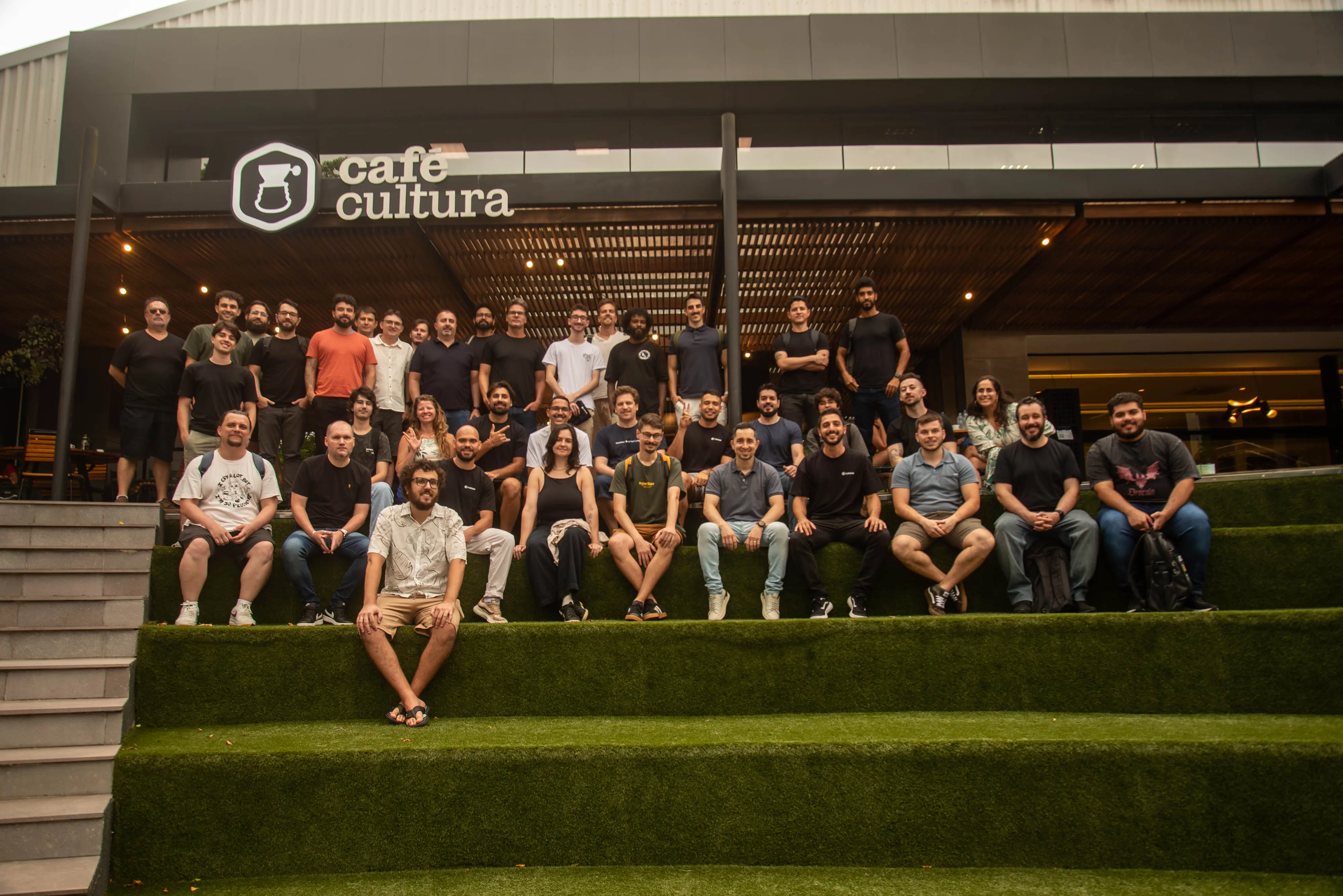
I’ve been building projects for almost two years trying to create an AI first workflow. I tried the full vibe coding approach, only programming while talking to agents, but I always ended up in the same place: disgusting code, painful to maintain, and not safe to change.
I kept thinking: “How do I make this better without losing speed?” The answer is boring and simple: design patterns + tests. There’s no way around it.
How to get good results with ai
To get good results with ai you basically need two things:
- a good context window
- good code
That’s it, there's no magic.
In my case that means using domain driven design, design patterns and agents.md + skills.
Here is how my folder structure looks like
📁 src
│   📁 application
│   │   📁 error
│   │   📁 integration_tests
│   │   📁 modules
│   │   📁 plugins
│   📁 domain
│   │   📁 entities
│   │   📁 repositories
│   │   📁 schemas
│   │   📁 types
│   📁 emails
│   📁 helpers
│   📁 infra
│       📁 config
│       📁 helpers
│       📁 plugins
│       📁 repostories
│           📁 db
│           📁 email
│           📁 in-memory
At the beginning I honestly thought this structure would slow me down more than help. But today AI can handle a huge part of the operational work, so I can focus on the “how”, how to draw my database architecture, define how the pieces talk to each other, and then let the agents fill in most of the glue code.
My app uses Repository and Use Case patterns as the base for CRUDs. This makes tests and maintenance way easier. Right now I have 500+ unit and integration tests, and I’m comfortable that when I change something I’m probably not breaking everything that was already working.
When I need to generate a new module, I have an simple md file explaining to the ai how to generate the module, and I have base repositories that cover all CRUD operations, so the ai will just focus on organize the module, create the files and create the specific methods for the current module.
On top of that, I use Cursor commands to generate new module and Agents.md to encode project patterns
Some tips to structure your AGENTS.md
- Be more intentional with AI context
Avoid giant rule files that are always sent to the model. The model already has been trained with a lot of code, it already knows how to code, use your rules to guide the agent follows your patterns. A good tip here is instead of ask to ai generate a big rules wiht your codebase, start to work with ai and everthing that you see the ai is doing wrong, write a one like rule in the specific context to avoid this in the future.
At the end any ai ides have calls to the models, so the more specific you are, the better the results will be. try not to overload the context window with unnecessary rules, in 2 months look at the old rules and change to keep just what's still necessary.
- Add automated guardrails with lint rules
Create custom rules in ESLint/Biome that encode your project conventions and instruct the agent to follow them after the changes, so the linter catches what the AI did wrong.